

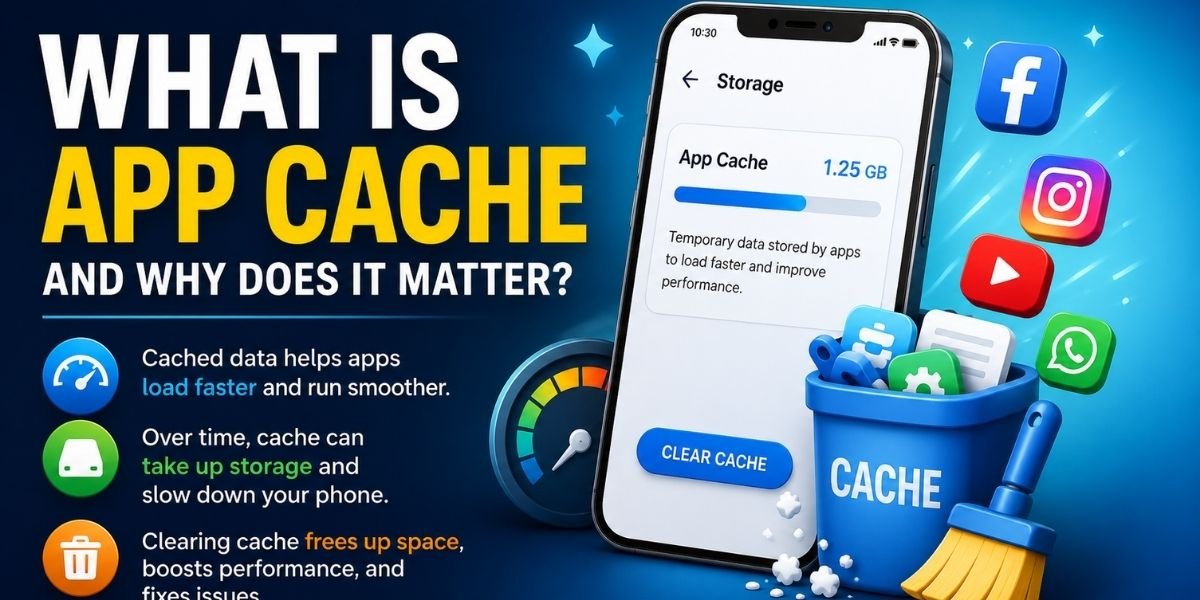
App cache is a small set of temporary files that an app saves on your phone so it can load faster the next time you open it. Every app you use, from social media to games, creates cache files in the background without asking you. If your phone is running out of space or an app keeps freezing, learning what app cache does — and when to clear it — can solve the problem in seconds.
This guide explains what app cache is, why apps use it, what happens when you clear it, and how to clear it safely on both Android and iPhone.
What Is App Cache?
App cache is data an app stores on your device to avoid repeating the same work every time you use it. Instead of downloading the same image or loading the same screen from scratch, the app pulls that information from cache and displays it almost instantly.
Cached data usually includes:
- Images and thumbnails
- Video previews
- Login screens and menus already loaded once
- Small text or code files the app needs repeatedly
Apps create this cache automatically. You never have to ask for it, and in most cases, you never notice it building up until your phone’s storage starts to fill.
You May Also Like It:
Droven.io Review 2026: Features, AI Tools & Complete Guide
New App Updates on Software Socials AlienSync: Latest Features & Guide (2026)
New Software Aliensync Apps Explained: Everything You Need to Know In (2026)
Why Do Apps Store Cached Data?
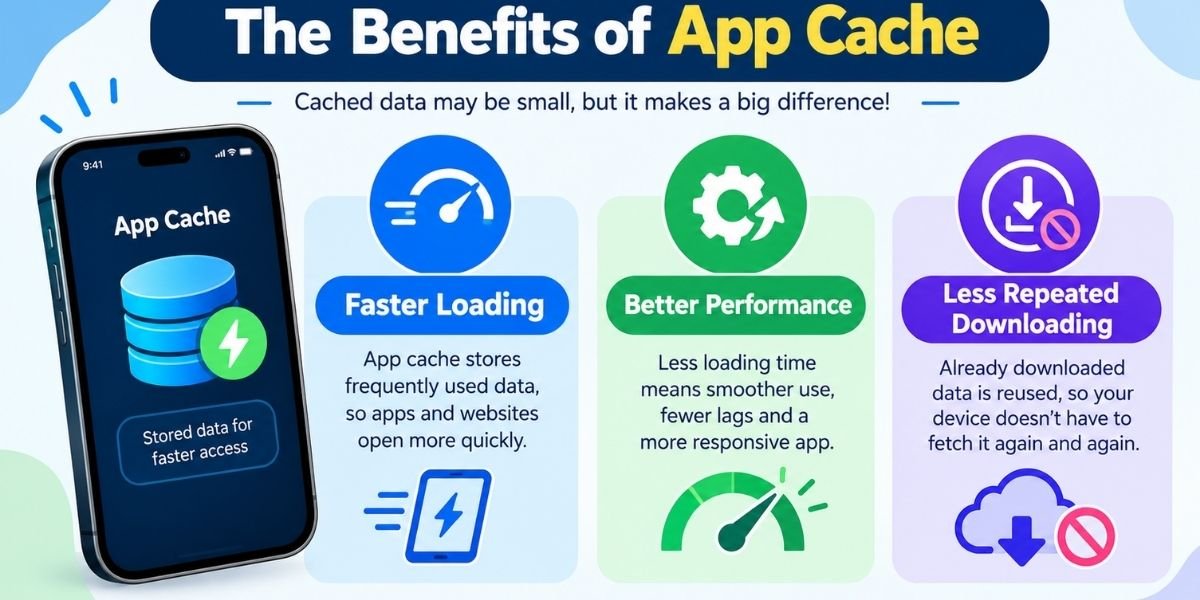
Apps use cached data mainly to save time and effort. Here’s what it does for you:
- Faster loading. The app doesn’t have to fetch the same files again.
- Better performance. Less processing means smoother scrolling and quicker screen changes.
- Fewer repeated downloads. This also saves your mobile data.
- A smoother experience overall. Apps feel more responsive because they aren’t starting from zero each time.
Think of cache as a shortcut. Without it, every app would run slightly slower and use more data than it needs to.
Does App Cache Take Up Storage?
Yes. Cache files sit on your device’s internal storage, and over weeks or months, they can add up. Apps you use often — like browsers, social apps, or streaming apps — tend to build the largest cache, since they load new images and content constantly.
A large cache isn’t dangerous, but it can eat into your available storage space. If your phone warns you that storage is nearly full, checking which apps have the biggest cache is a good place to start.
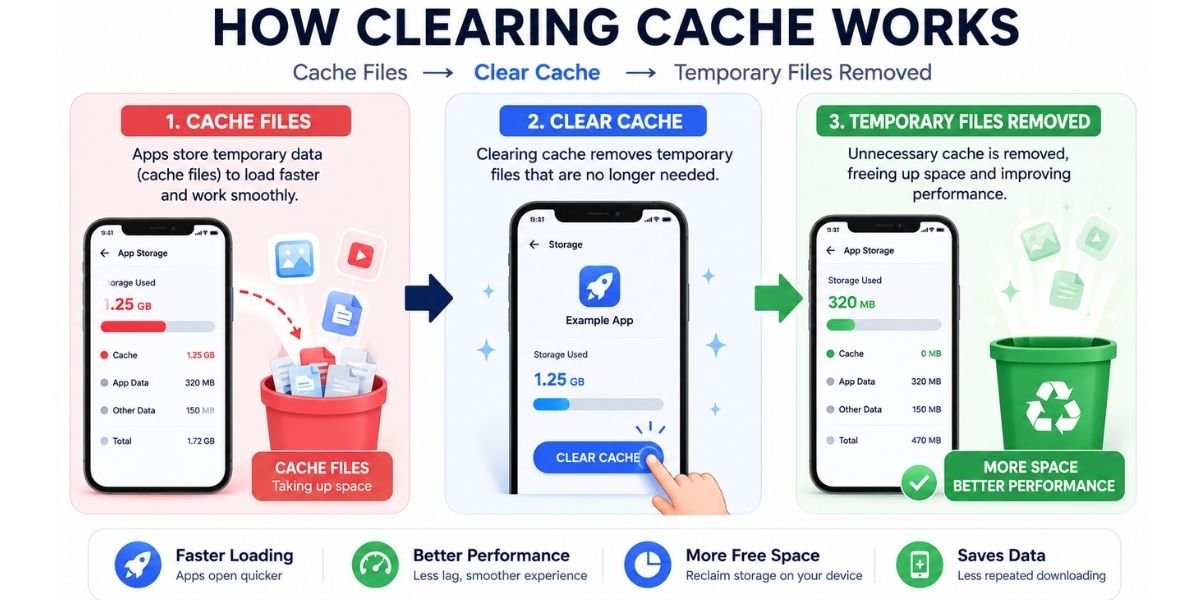
What Happens When You Clear App Cache?
When you clear app cache, the app deletes those temporary files. Nothing else changes. The app will simply rebuild its cache the next time you open it, which means the first load after clearing might feel a little slower than usual. After that, everything works as before.
Clearing cache does not delete your photos or personal files. It also does not usually log you out, since login information is normally stored separately as app data, not cache.
You May Also Like It:
Gaming Corner Zap Internet: Complete Guide to Faster, Low-Lag Gaming(2026)
Application Mobile DualMedia: Features, Benefits & Complete Guide
Droven.io AI Tools Review (2026): Features, Best Software & Guide
Does Clearing App Cache Delete App Data?
This is where many people get confused. Cache and app data are not the same thing.
- App cache holds temporary files used to speed things up.
- App data holds the information that keeps the app working the way you set it up — your login, preferences, saved progress, and settings.
Clearing cache only removes the temporary files. Clearing data is a separate action, and it’s a much bigger step.
Clear Cache vs. Clear Data
| Feature | Clear Cache | Clear Data |
|---|---|---|
| Temporary cache files | Removed | Removed |
| App settings | Usually retained | May be reset |
| Login status | Usually retained | May be removed |
| Personal app data | Usually retained | May be removed |
| Best for | Minor issues, freeing storage | Resetting an app completely |
If you only want to fix a small glitch or free up space, stick to Clear Cache. Save Clear Data for when you want to reset an app from scratch.
Is It Safe to Clear App Cache?
Clearing app cache is safe for almost every app. Since the app rebuilds its cache automatically, you lose nothing important. The only downside is a slightly slower first load right after clearing.
The one thing to watch for: don’t tap Clear Data by mistake when you only meant to clear cache. That option often sits right next to it in your phone’s settings, and it can remove your saved logins and preferences.
When Should You Clear App Cache?
You don’t need to clear cache on a fixed schedule. It helps most in these situations:
- The app keeps crashing or freezing
- The app feels slower than usual
- You’re seeing outdated or incorrect content
- One app is using an unusually large amount of storage
- You’re troubleshooting a problem after an app update
If an app is working fine, there’s no real benefit to clearing its cache just because it exists.
How to Clear App Cache on Android
Clear Cache on Android Apps
- Open Settings
- Tap Apps
- Select the app you want
- Tap Storage
- Tap Clear Cache
Menu names can vary slightly depending on your Android version or phone brand, but the steps stay close to this pattern.
How to Clear Cache on Samsung
On Samsung phones, go to Settings > Apps, choose the app, tap Storage, then check how much space cache is using before tapping Clear Cache. Samsung shows a clear breakdown of app size versus cache size, which makes it easy to spot which apps are worth clearing.
How to Clear App Cache on iPhone
iOS handles cache differently from Android. There’s no single “Clear Cache” button for most apps. Instead:
- Go to Settings > General > iPhone Storage to see which apps use the most space.
- Offload the app — this removes the app but keeps its documents and data, freeing up space without a full reinstall.
- Delete and reinstall the app if offloading isn’t enough. This clears everything, including cache.
- For Safari, go to Settings > Safari > Clear History and Website Data to clear browser cache separately.
You May Also Like It:
Latest Technology Updates Aggr8Tech: AI, Gadgets & Tech Trends Guide (2026)
Gaming PC That Can Run GTA RP: Best Budget & High-End Picks (2026)
Latest in Tech from Aliensync: What AlienSync Actually Does in 2026
Can Clearing Cache Fix App Problems?
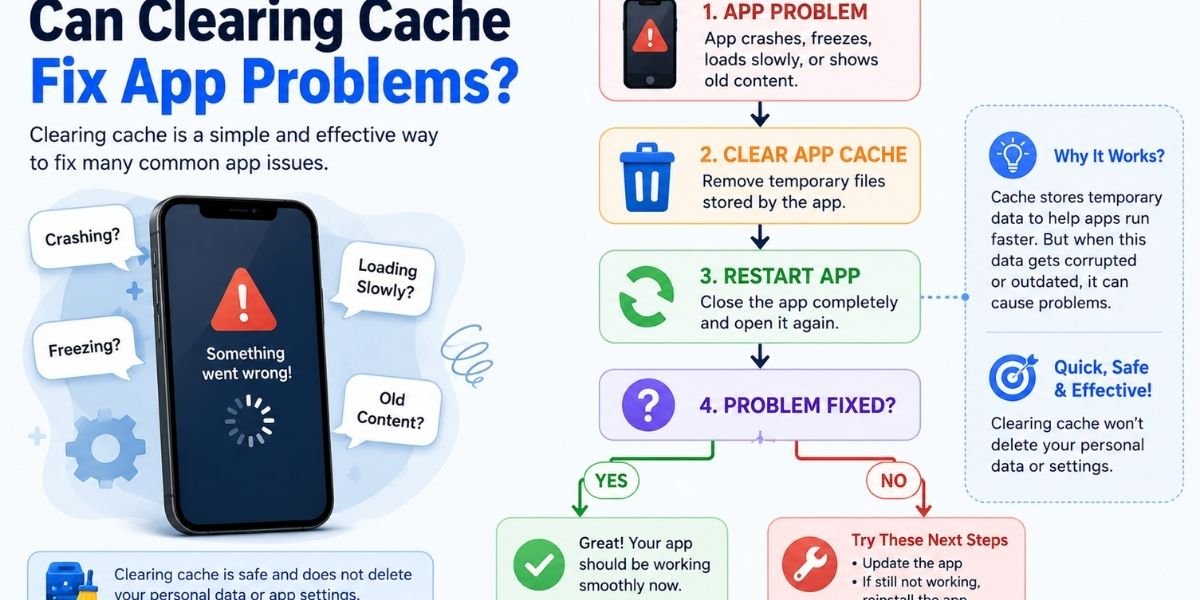
Clearing cache often fixes:
- Crashes and freezing
- Slow loading times
- Apps showing old or incorrect content
- Minor glitches after an update
It won’t fix problems caused by a bug in the app itself, a poor internet connection, or an outdated app version. In those cases, updating or reinstalling the app is the better next step.
Frequently Asked Questions About App Cache
What is app cache?
App cache is temporary data an app stores on your device to load faster and work more efficiently.
What is cached data on apps?
Cached data includes images, thumbnails, and small files an app saves so it doesn’t have to reload them every time.
Does app cache take up storage?
Yes, cache uses your device’s internal storage, and it can grow large over time for apps you use often.
Does clearing app cache delete data?
No. Clearing cache removes temporary files only. Your account, settings, and personal data stay intact.
Does clearing cache make apps faster?
It can, especially if the app was slowing down due to a bloated or corrupted cache.
Does clearing app cache log you out?
Usually not. Login information is stored as app data, not cache.
Does clearing cache delete photos?
No. Your photos and personal files are not part of an app’s cache.
Is it safe to clear app cache?
Yes, for nearly all apps. The cache rebuilds on its own the next time you use the app.
How often should you clear app cache?
There’s no set schedule. Clear it when you’re troubleshooting an issue or need to free up storage.
Can clearing cache fix app problems?
It fixes many common issues like crashes and slow loading, though not every problem.
Final Verdict: Should You Clear App Cache?
App cache exists to make your apps faster and smoother, not to cause problems. Clearing it is safe, quick, and won’t touch your personal data or logins. Use it when an app is misbehaving, feels slow, or is taking up too much storage — not as a routine habit. For most people, checking cache size once in a while and clearing it only when needed is the simplest, safest approach on both Android and iPhone.
You May Also Like It:
Droven.io Review 2026: Features, AI Tools & Complete Guide
New Software Aliensync Apps Explained: Everything You Need to Know In (2026)
What Is Mogothrow77 Software Informer? Complete Guide, Safety, Features & Download Explained

2 thoughts on “What Is App Cache? Meaning, Benefits, Risks & How to Clear It”