

Does Instagram notify when you screenshot someone’s story? No. Here’s the 2026 breakdown of when Instagram does and doesn’t — send screenshot alerts.
Your thumb is over the screenshot button. Maybe it’s a recipe someone shared, a joke you want to keep, or a photo from a friend’s trip. Right before you tap it, one question stops you: will they find out?
People ask this all the time. There’s no simple yes or no answer, because Instagram has changed its rules on this before. That’s why so much old, wrong information is still out there. Once you know how Instagram really handles this in 2026, you won’t have to guess anymore. You’ll also know how to protect your own Stories the same way.
Does Instagram Notify When You Screenshot Someone’s Story?
The Short Answer
Instagram does not send any notification when you screenshot a Story. This applies whether the account is public or private, and whether you follow the person or not. The Story owner has no way to know a screenshot happened unless you tell them yourself.
This rule covers regular Stories, Close Friends Stories, and Highlights. None of these trigger an alert.
Why People Think Instagram Sends Notifications
Three things cause most of the confusion.
First, Instagram briefly tested a screenshot alert for Stories back in 2018. A small camera icon showed up next to a user’s name in the Seen By list if they screenshotted a Story. The test lasted only a few weeks before Instagram removed it after user complaints. Some people still repeat this as if it’s current behavior.
Second, Snapchat trained users to expect screenshot alerts. Snapchat has notified screenshots since its early days, so many assume Instagram works the same way. It doesn’t.
Third, social media is full of viral posts claiming Instagram “just added” screenshot notifications. These claims resurface every few months and rarely have any real source behind them.
When Does Instagram Notify About Screenshots?
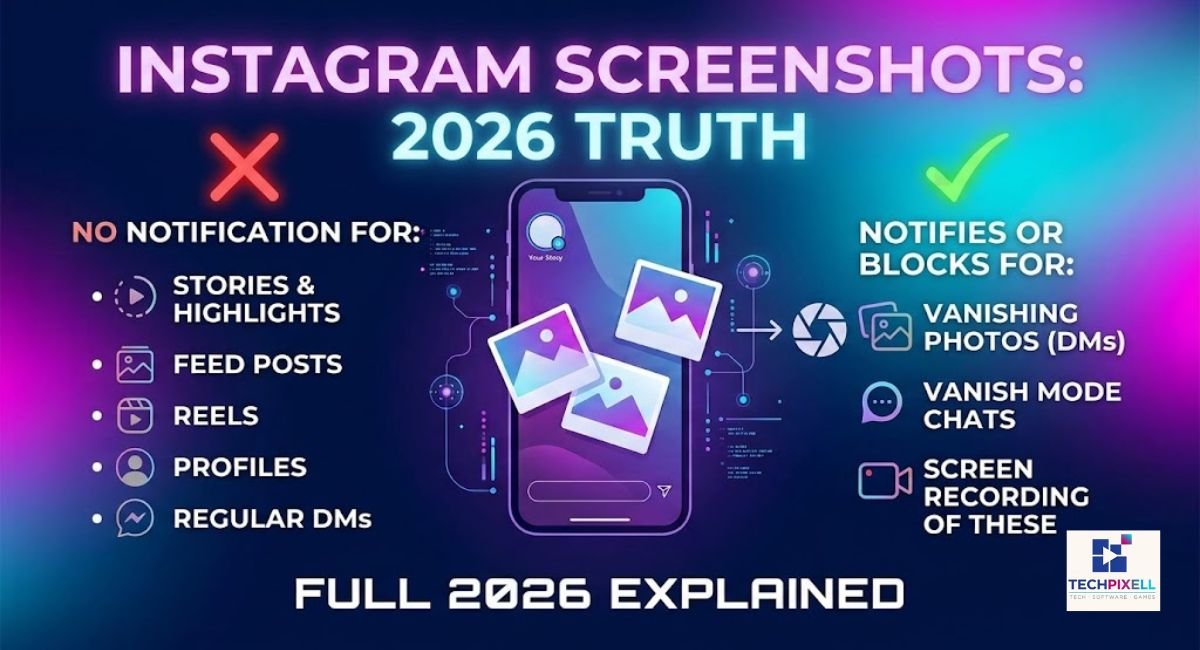
Instagram isn’t silent about every screenshot. There’s one clear exception, and it lives inside direct messages.
Disappearing Photos and Videos in DMs
If someone sends you a photo or video marked as View Once or Allow Replay, Instagram treats this as private, temporary content. If you screenshot it, the sender gets notified right away. This is the only screenshot alert Instagram actively sends across the entire app.
Vanish Mode Screenshot Notification
Vanish Mode is a chat setting where messages disappear after you view them and leave the chat. If you screenshot a message while Vanish Mode is active, the other person receives a notification. This works the same way as disappearing photos, since both features deal with content meant to vanish quickly.
Screenshot Notifications Inside Chat
Regular DM content behaves differently from disappearing media. Here’s the breakdown:
- Regular chat messages (text): no notification
- Shared posts or Reels sent in chat: no notification
- Regular images sent as normal messages: no notification
- Voice messages: no notification
- View Once or Vanish Mode media only: notification sent
So the rule inside chats is simple. Regular, permanent content stays screenshot-safe. Temporary, one-time content triggers an alert.
Does Instagram Notify for Other Types of Screenshots?
Here’s how each Instagram feature handles screenshots:
Story Screenshots — No notification, regardless of account privacy settings.
Posts :
No notification for feed posts, whether it’s a photo or carousel.
Reels :
No notification, even for viral or trending Reels.
Profiles :
No notification if you screenshot someone’s bio, grid, or profile picture.
Highlights:
No notification, since Highlights are just saved Stories.
Close Friends Stories:
No notification, even though this content is meant for a smaller, trusted group.
Screen Recording Stories:
No notification. Instagram treats screen recording the same as a screenshot.
Screen Recording Reels:
No notification here either.
Can Instagram Detect Story Screenshots?
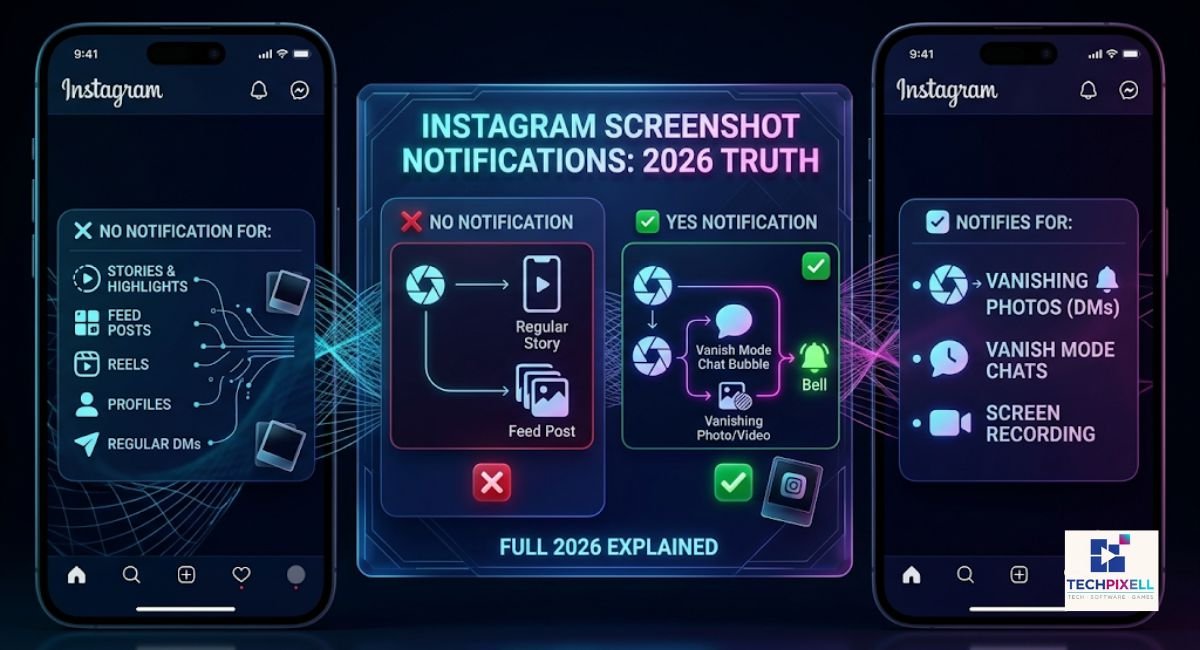
How Instagram Tracks Activity
Instagram does track some activity, like who viewed your Story and for how long you watched a Reel. This data helps the app with recommendations and analytics. But tracking a view is different from tracking a screenshot action on your device.
Why Story Screenshots Are Not Reported
Taking a screenshot happens at the device level, not inside Instagram’s servers. Your phone captures what’s on screen, and Instagram’s app doesn’t get direct access to that action unless it specifically builds a feature to detect it, the way it briefly did in 2018. Right now, no such feature exists for Stories.
Story Screenshot Detection Myths
Some third-party apps and browser extensions claim they can tell you who screenshotted your Story. This isn’t true. Instagram doesn’t give any app access to this kind of data. These claims are usually a way to get people to install apps that either don’t work or ask for login details they shouldn’t have.
How to Screenshot an Instagram Story Without Them Knowing
Do You Need Any Tricks?
Not really. Since Instagram doesn’t notify Story screenshots at all, you can screenshot normally without worrying about being caught.
Why Third-Party Apps Should Be Avoided
Apps promising anonymous Story viewing or screenshot tools often ask for your Instagram login. Handing over your password to an unofficial app puts your account at risk of being hacked or banned. Stick to Instagram’s own features.
Safe and Legitimate Methods
Use your phone’s built-in screenshot function, the same way you’d capture any other screen. If you want to view a Story without your name showing up in the viewer list, use Instagram’s own settings, like watching from a secondary account you don’t use often, or simply be aware that your name will appear if you view it from your main account.
Will the Person Know If I Screenshot Their Story?
No. The Story owner cannot see if you took a screenshot. What they can see is your name in the list of people who viewed the Story, along with the time you watched it. Viewing and screenshotting are two separate things. Viewing shows up on their list. Screenshotting doesn’t add anything extra to that list.
Is It Safe to Screenshot Instagram Stories?
Privacy Considerations
Just because Instagram won’t tell someone you screenshotted their Story doesn’t mean you should ignore their privacy. Content shared through Close Friends or a private account was meant for a smaller audience, so treat it with the same care you’d want for your own posts.
Copyright and Ethical Use
Screenshotting someone’s Story to save it for yourself is different from reposting it without asking. If you plan to share captured content publicly, get permission first, especially for anything involving other people’s photos, videos, or creative work.
Respecting Other People’s Content
A simple rule works well here: if you wouldn’t want your own Story screenshotted and spread around without asking, don’t do it to someone else.
Instagram Screenshot Notifications (2026)
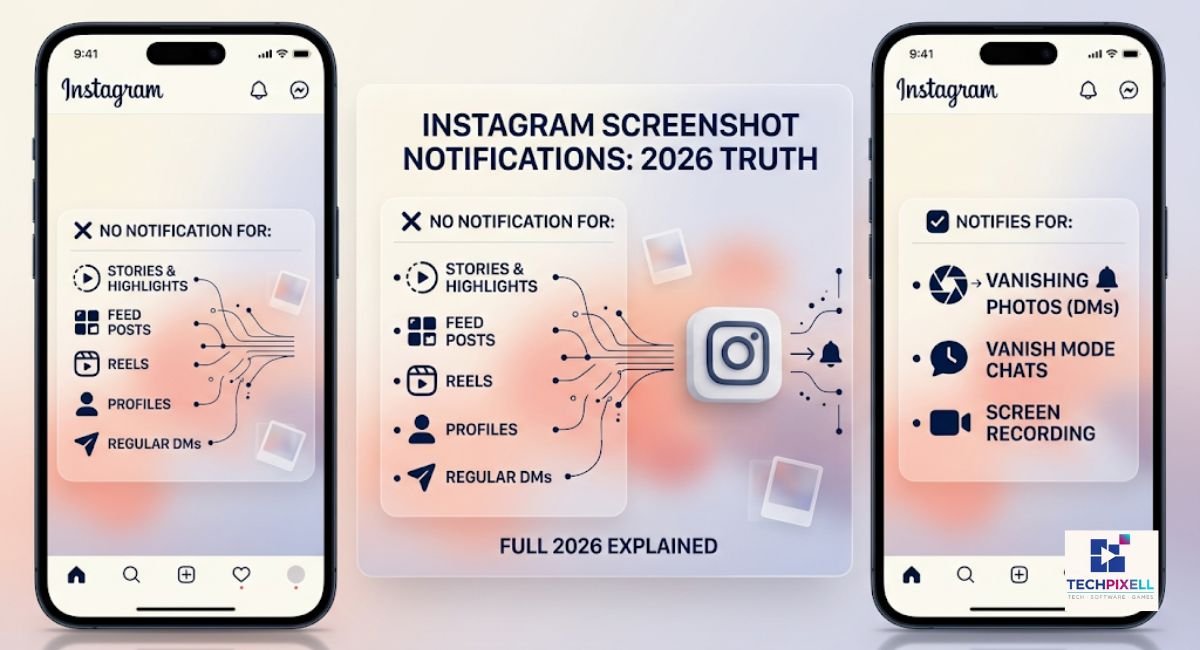
| Instagram Feature | Screenshot Notification? |
|---|---|
| Stories | No |
| Posts | No |
| Reels | No |
| Profile | No |
| Highlights | No |
| Close Friends Story | No |
| Screen Recording Story | No |
| Regular DMs | No |
| Disappearing Photos/Videos | Yes |
| Vanish Mode | Yes |
Instagram vs Snapchat Screenshot Notifications
Story Screenshot Differences
Snapchat notifies screenshots of Snaps and Stories in many cases. Instagram doesn’t notify Story screenshots at all. This is one of the biggest behavior gaps between the two apps.
DM Screenshot Differences
Snapchat has built its reputation around screenshot alerts in chats. Instagram only matches this behavior for View Once and Vanish Mode content, leaving regular DMs screenshot-safe.
Which Platform Protects Privacy Better?
Neither platform is better across the board. Snapchat gives more warning for casual screenshots, while Instagram focuses its alerts only on content specifically marked as temporary. If privacy matters to you, treat both platforms carefully instead of relying on notifications to protect your content.
You May Also Like It:
What Is the Red Planet on Snapchat? Ultimate Meaning, Planet Order & Friend Ranking (2026)
Snapchat Planets BSF List Order: Best Guide & Meanings (2026)
Common Myths About Instagram Screenshot Notifications
Story owners get notified
False. This hasn’t happened since the 2018 test ended.
Screen recording is detected
False. Screen recording follows the same rules as regular screenshots.
Private accounts receive alerts
False. Account privacy settings don’t change screenshot behavior.
Close Friends Stories notify screenshots
False. Even this smaller circle doesn’t trigger an alert.
Third-party apps can reveal screenshot activity
False. These apps don’t have access to this data and often pose security risks.
Frequently Asked Questions
Does Instagram notify screenshot story?
No. Instagram does not send any notification for Story screenshots.
Does IG tell you if someone screenshots your story?
No. There’s no alert, icon, or message sent to the Story owner.
Does Instagram notify screen recording?
No, screen recording a Story or Reel doesn’t trigger any notification.
Can you screenshot Instagram Stories anonymously?
Yes, screenshotting itself is always anonymous. Your name only shows up in the Story’s viewer list if you watched it from your account.
Does Instagram notify screenshots of posts?
No. Feed posts can be screenshotted without any alert being sent.
Does Instagram notify screenshots of DMs?
Only for View Once photos, videos, and Vanish Mode messages. Regular DMs don’t send alerts.
Does Instagram notify screenshots of profiles?
No. You can screenshot a profile page freely.
Does Instagram notify screenshot of chat?
Only disappearing media inside chat triggers a notification. Regular text and images don’t.
Is it safe to screenshot Instagram Stories?
Yes, from a technical standpoint. Just use good judgment before sharing captured content publicly.
Can someone know I took a screenshot?
Only if the content was View Once, Allow Replay, or sent through Vanish Mode. Everything else stays private.
Final Verdict
Instagram does not notify anyone when you screenshot their Story, and this rule extends to posts, Reels, profiles, Highlights, and regular DMs too. The only exception is disappearing photos and videos, including View Once media and Vanish Mode chats, where Instagram sends a clear notification to the sender.
If you’re capturing Story content, you can do so without worrying about alerts. Just use that ability responsibly. Respect what people share, especially content meant for a smaller audience like Close Friends, and think twice before reposting someone else’s work without asking first.
Still have questions about Snapchat Planets or the Friend Solar System? Leave a comment below or Contact Us—we’ll be happy to help!
You May Also Like It:
What Is the Red Planet on Snapchat? Ultimate Meaning, Planet Order & Friend Ranking (2026)
Snapchat Planets BSF List Order: Best Guide & Meanings (2026)

3 thoughts on “Does Instagram Notify When You Screenshot Someone’s Story? (2026 Truth Explained)”